Guides
Welcome to Feels Local
Global reach, everything feels local
Feels Local is a focused workspace for translating and localizing content with production‑ready quality. It blends fast AI output with guardrails for style, terminology, and format fidelity, so translated text reads naturally and stays faithful to intent, structure, and constraints.
Guides
Welcome to Feels Local
Global reach, everything feels local
Feels Local is a focused workspace for translating and localizing content with production‑ready quality. It blends fast AI output with guardrails for style, terminology, and format fidelity, so translated text reads naturally and stays faithful to intent, structure, and constraints.
Core Features
Highlights that power Feels Local
Core Features
Highlights that power Feels Local
Style & Sub‑style engine
for precise, on-brand localization across contexts.
Split‑view editor
to compare source and output side‑by‑side.
Translate vs. Rephrase
toggle for goal-based outputs with ease.
Glossary / Phrasebook
for locked terminology and saved terms.
SRT & dubbing-aware
Preserve subtitle timing, line breaks, speaker tags, and voiceover-ready script structure.
PDF / DOCX / TXT / SRT
input with export back to the original file format.

Why Feels Local
What makes us different
The details that set Feels Local apart and make your localization workflow smoother
Why Feels Local
What makes us different
The details that set Feels Local apart and make your localization workflow smoother
Style/Sub-style precision
Choose Formal, Casual, Marketing, Dubbing, Technical, Legal with sub-styles like Influencer or Narrative.
Style/Sub-style precision
Choose Formal, Casual, Marketing, Dubbing, Technical, Legal with sub-styles like Influencer or Narrative.
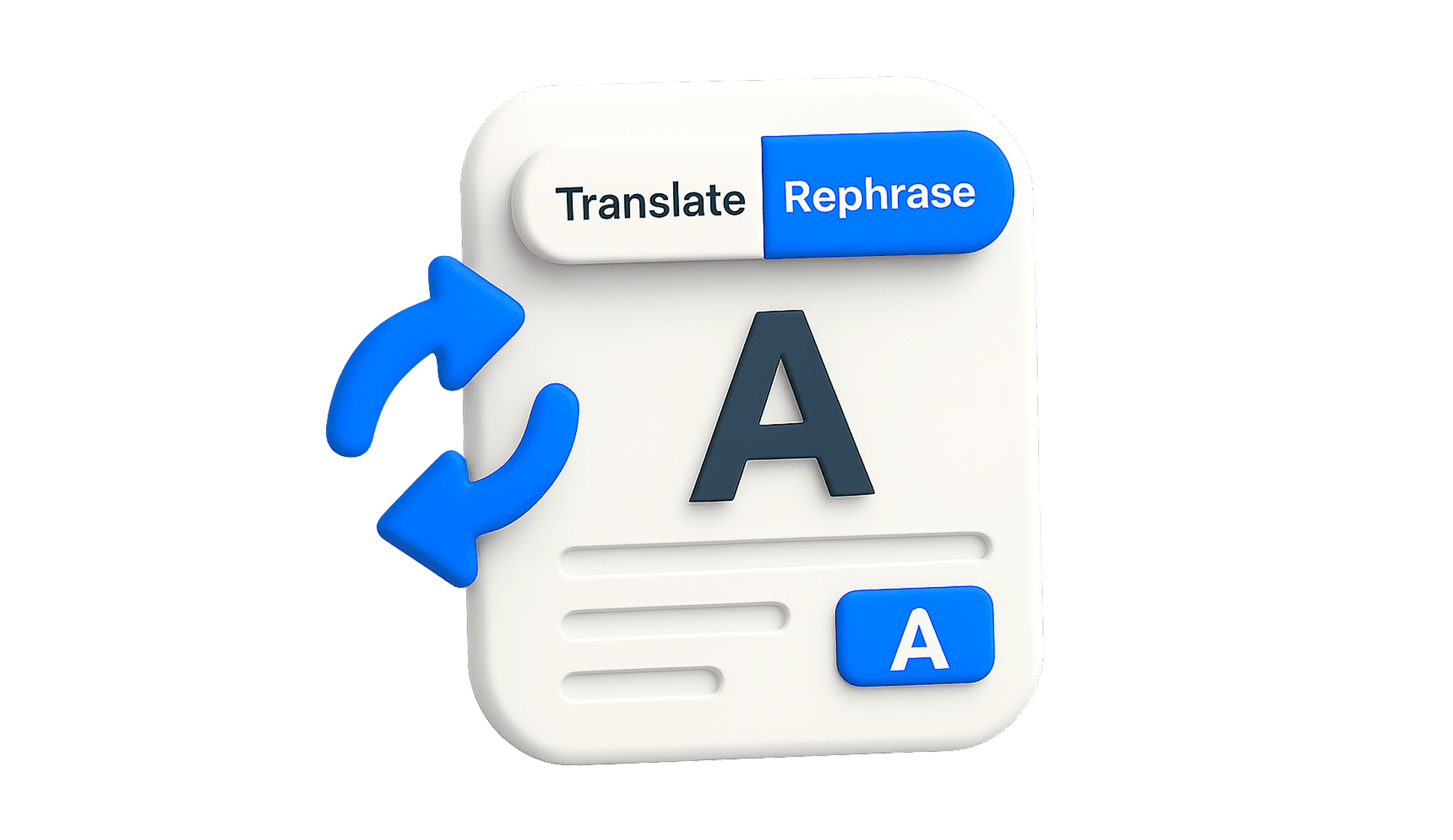
Translate or Rephrase: one tap
Instantly switch between translation into your target language or rewriting in the same language with your chosen style.
Translate or Rephrase: one tap
Instantly switch between translation into your target language or rewriting in the same language with your chosen style.
Terminology that sticks
Glossary locks must-use terms with clarity. Phrasebook saves reusable snippets you rely on every day.
Format-faithful outputs
Subtitle timing, line breaks, numbering, and technical formatting are preserved with precision.
Ergonomic UI by default
Clean spacing, rounded cards, distraction-free editor. Copy buttons, split view, and subtle feedback flow smooth.
Terminology that sticks
Glossary locks must-use terms with clarity. Phrasebook saves reusable snippets you rely on every day.
Format-faithful outputs
Subtitle timing, line breaks, numbering, and technical formatting are preserved with precision.
Ergonomic UI by default
Clean spacing, rounded cards, distraction-free editor. Copy buttons, split view, and subtle feedback flow smooth.
Your voice, precise in every language
Style sets the tone and Sub-styles refine it further so translations read natural and on brand.
With built-in QA checks (numbers, dates, SRT) plus your Glossary and Brand Kit, you get consistent output that fits the brief the first time.

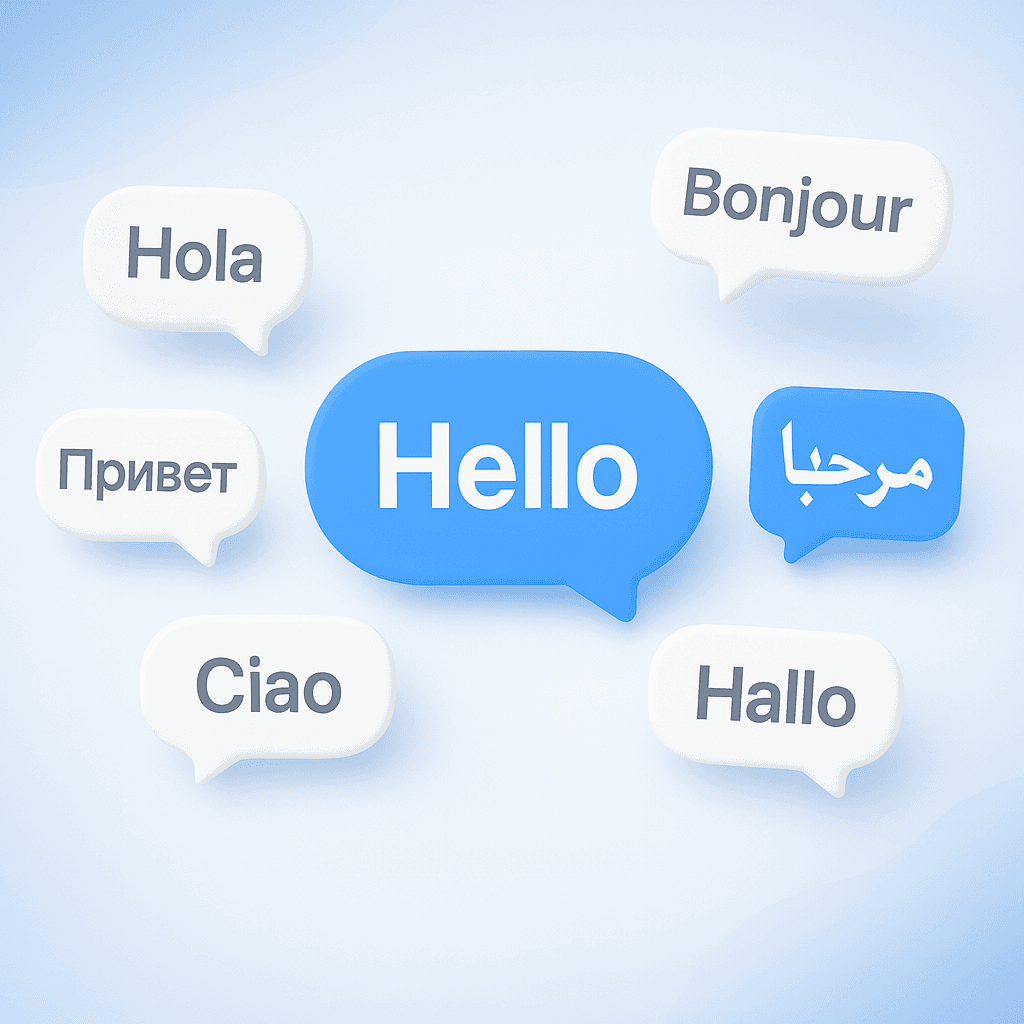
Automatic language detection for 100 plus languages
Feels Local supports 100+ source languages with automatic detection. Just paste or upload content and start translating right away without picking from a list.
The app identifies the source language, applies your chosen Style and Sub-style for tone control, and keeps terminology aligned with your Glossary.
Your voice, precise in every language
Style sets the tone and Sub-styles refine it further so translations read natural and on brand.
With built-in QA checks (numbers, dates, SRT) plus your Glossary and Brand Kit, you get consistent output that fits the brief the first time.
Automatic language detection for 100 plus languages
Feels Local supports 100+ source languages with automatic detection. Just paste or upload content and start translating right away without picking from a list.
The app identifies the source language, applies your chosen Style and Sub-style for tone control, and keeps terminology aligned with your Glossary.
FAQ
Got questions? We’ve got answers
Not sure where to start? These answers will point you in the right direction
FAQ
Got questions? We’ve got answers
Not sure where to start? These answers will point you in the right direction
What’s the difference between Target Language and Rephrase?
Do styles or sub-styles change the meaning?
What content and file types can I use?
How do Phrasebook and Glossary work?
What does Brand Kit control?
How many target languages are available?
What’s the difference between Standard and Max Localization?
How do SRT translation and Split View work?
Will PDFs and images keep their design?
Can I translate multiple files and download them together?
How do plans and usage limits work?
How is my content handled, and what does History save?
What’s the difference between Target Language and Rephrase?
Do styles or sub-styles change the meaning?
What content and file types can I use?
How do Phrasebook and Glossary work?
What does Brand Kit control?
How many target languages are available?
What’s the difference between Standard and Max Localization?
How do SRT translation and Split View work?
Will PDFs and images keep their design?
Can I translate multiple files and download them together?
How do plans and usage limits work?
How is my content handled, and what does History save?